
Product UpdatesFebruary 18, 2022

Update All Page Versions Inside Your Project

Experience seamless version updating with just one click! Simplify your workflow and boost productivity effortlessly, with ruttl's all new features.

Update All Page Versions Inside Your Project

To make your experience smooth while updating page versions inside a project, you no longer have to update them one by one.
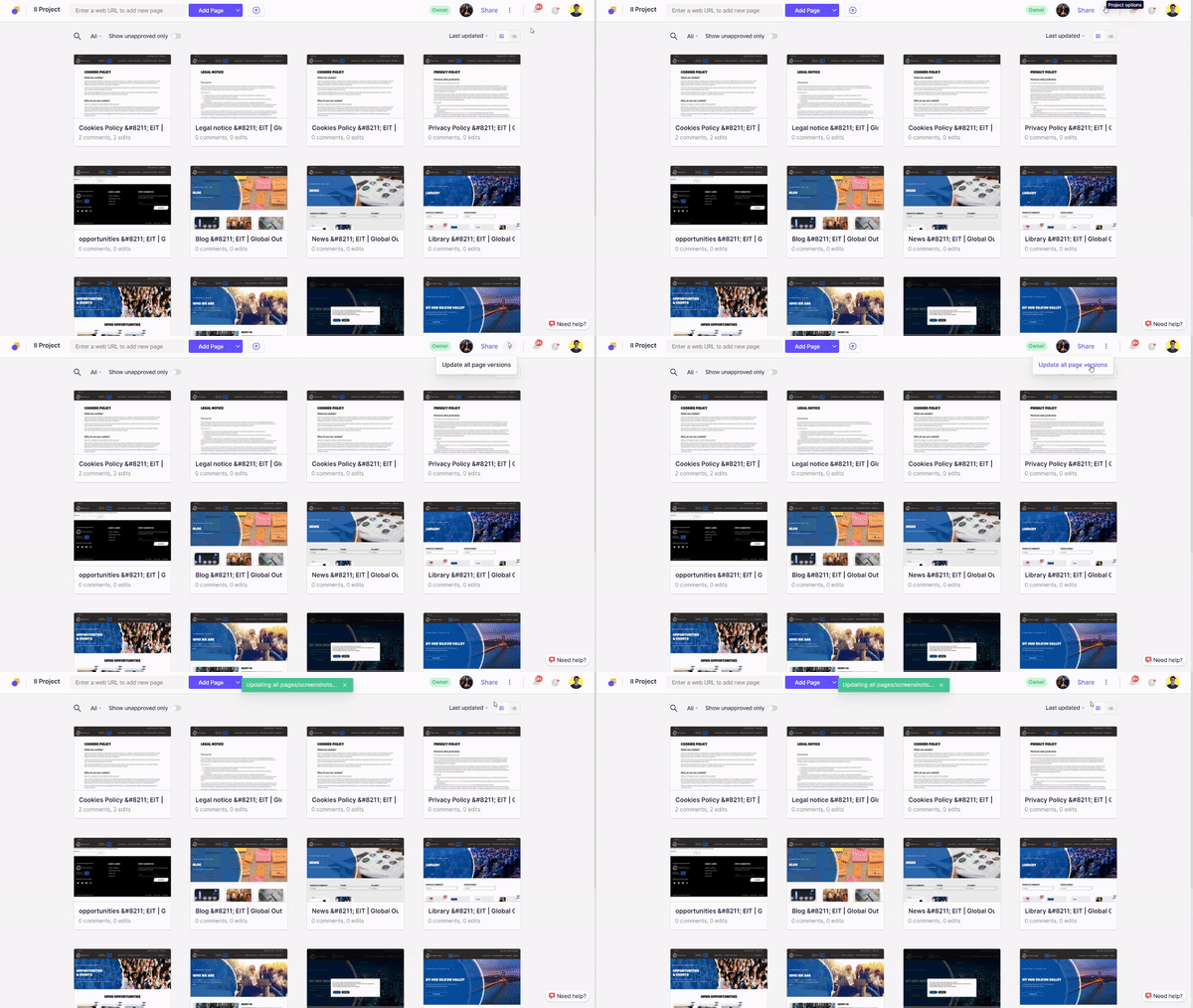
Update all page versions

Simply go inside the project, open the three-dot menu on the top-right side (near Share button) and click on ‘Update all page versions’. All your pages will be updated at the click of one button!

S

Siddhita Upare

Ready to upgrade how you communicate?

Get started for free!